Once you have joined an exercise, start with the Exercise section in the sidebar: Brief and Tasks. These tell you what the mission is asking for and how you score.
Brief
Open Brief in the sidebar. This is the participant-facing mission briefing published by the facilitator for your exercise.
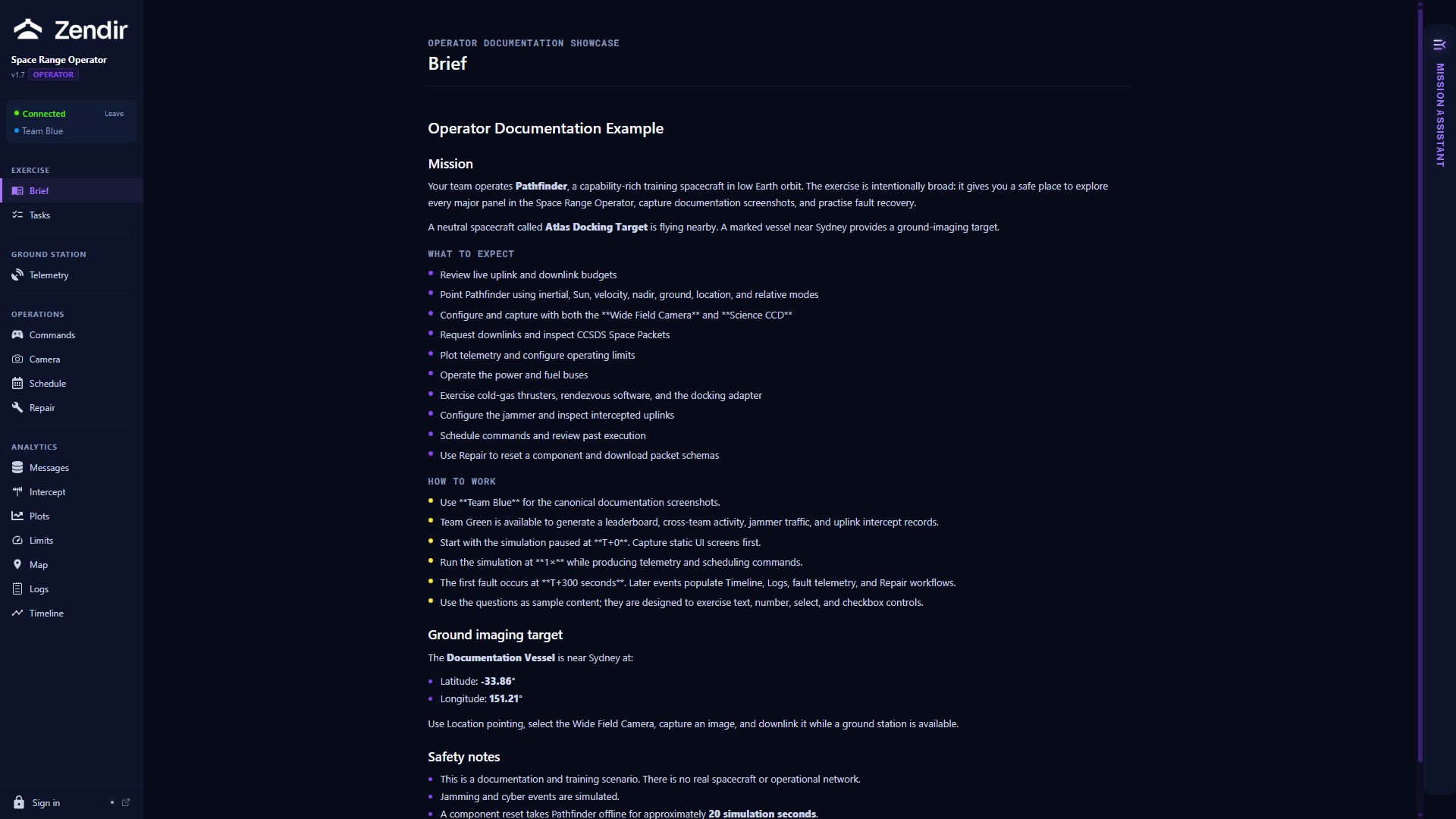
Typical briefs cover:
- What the mission is trying to achieve
- What you should expect during the exercise
- How to work as a team
- Constraints or rules of engagement
Read the brief before you start commanding. It is written for operators. It will not spoil answer keys, but it will tell you what “good” looks like.
If no structured brief is available, you may still see a short scenario description on this page.
Tasks
Open Tasks when your scenario includes scored questions. (If the scenario has none, this panel may not appear.)
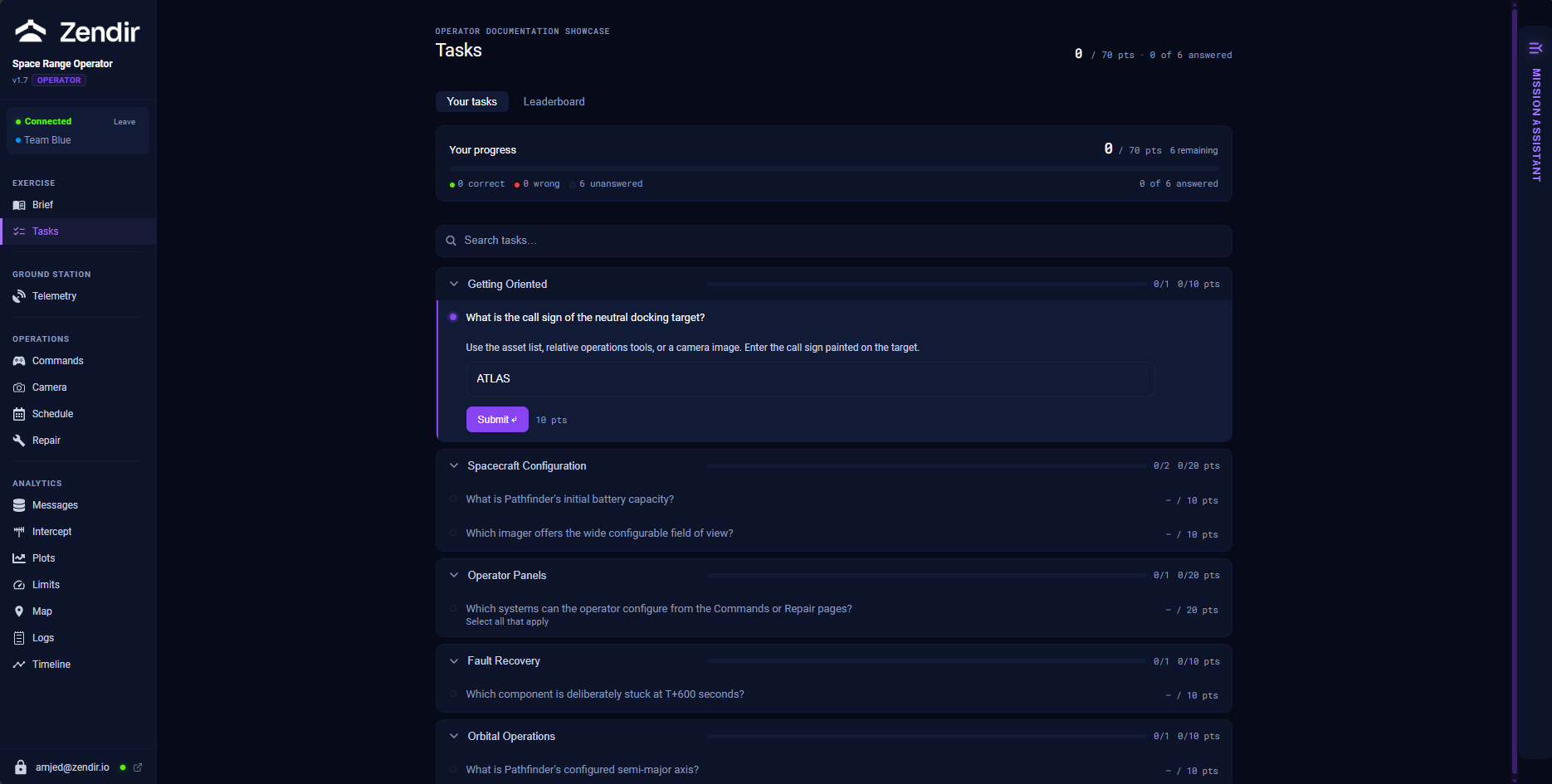
At the top you will see your progress: points earned, how many questions you have answered, and a legend for correct, partial, wrong, and unanswered.
Questions are grouped into sections. Open a question, enter your answer, and click Submit. Question types you may see:
- Text: free-form answer
- Number: numeric value
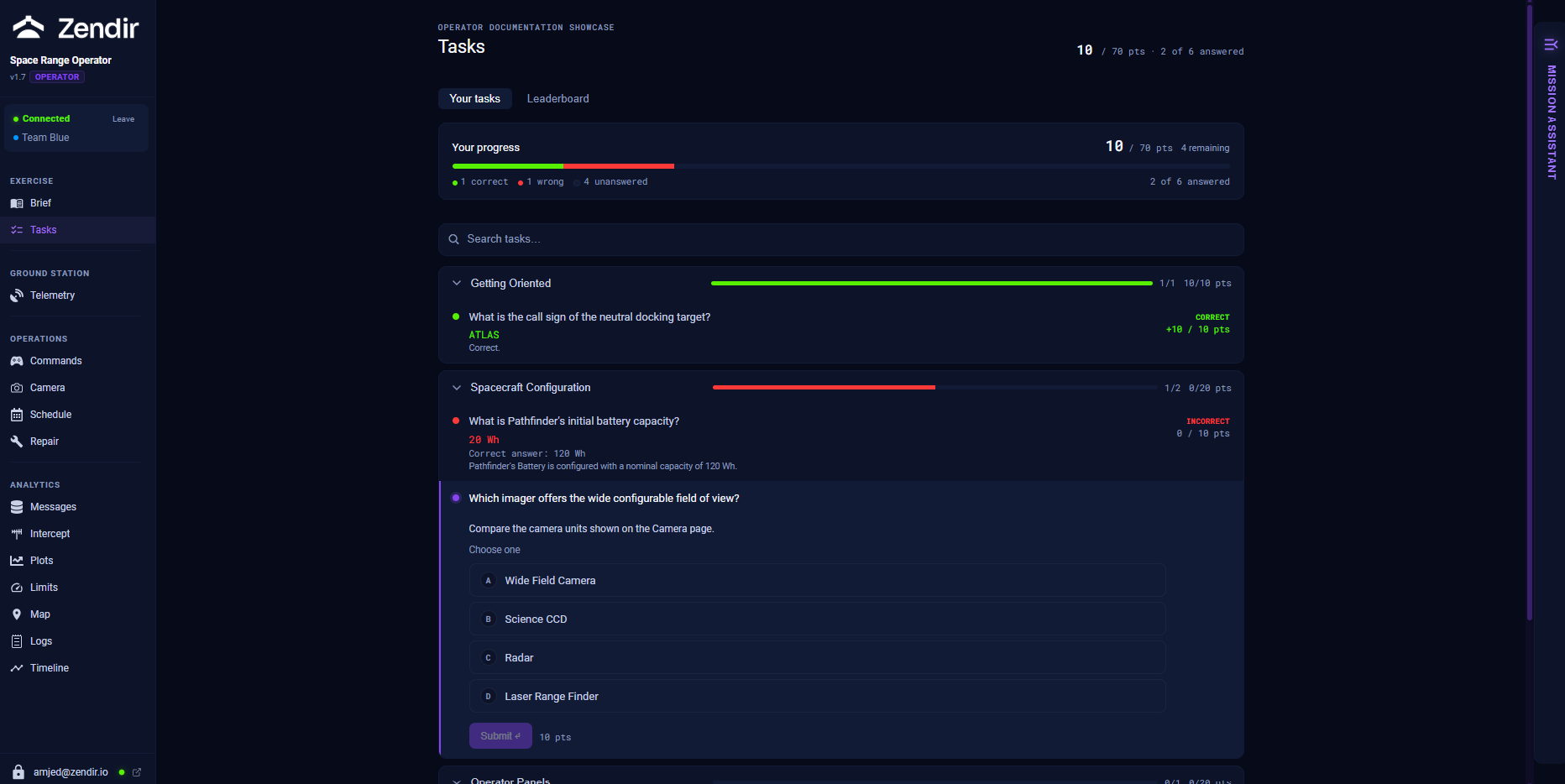
- Select: one option
- Checkbox: one or more options
After you submit, the panel shows whether you were Correct, Partially correct, or Incorrect. You can keep working other questions while the exercise continues.
Leaderboard
On the Tasks page, switch to Leaderboard to see how teams are scoring against each other.
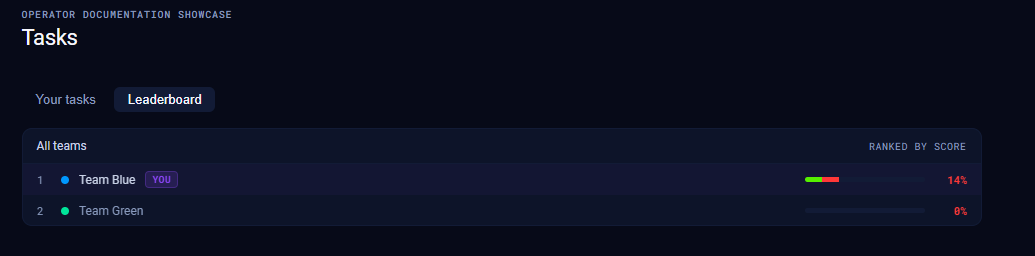
Scores appear once teams start submitting answers.
When the exercise ends
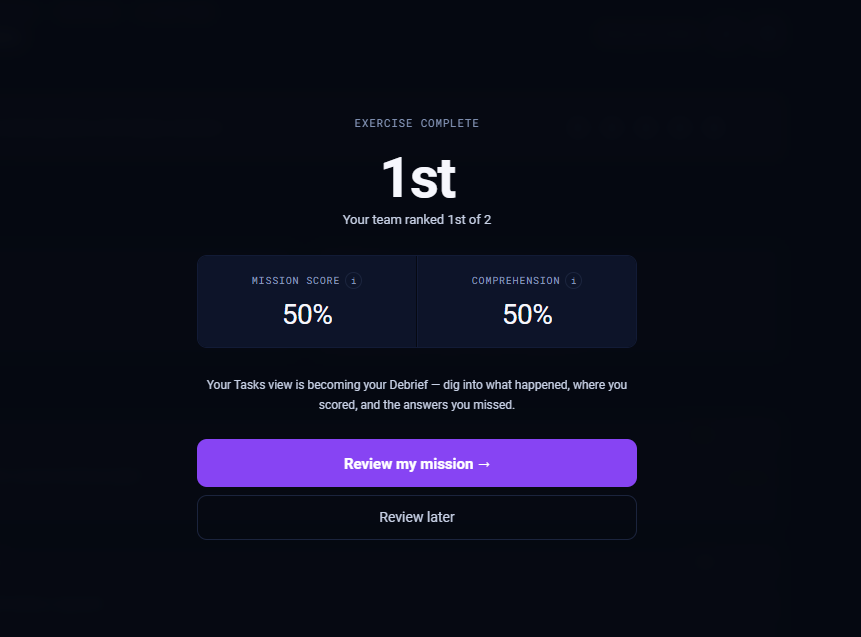
When the facilitator ends the exercise, Tasks can switch into a Debrief view. You may also see an Exercise complete overlay with your mission and comprehension scores, plus a chance to review your mission.
Mission Assistant
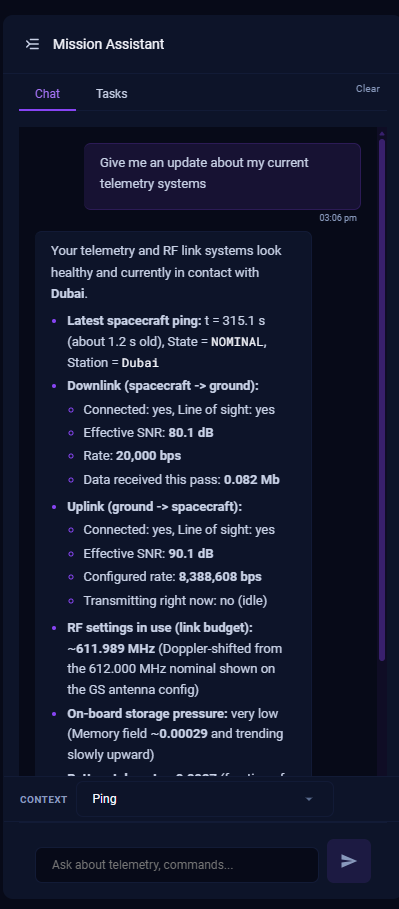
On the right edge of the Operator, open Mission Assistant. Use the Chat tab to ask operational questions during the exercise (telemetry, commands, what a panel means). If your scenario has questions, the Tasks tab inside Mission Assistant gives you a compact version of the same Q&A panel.
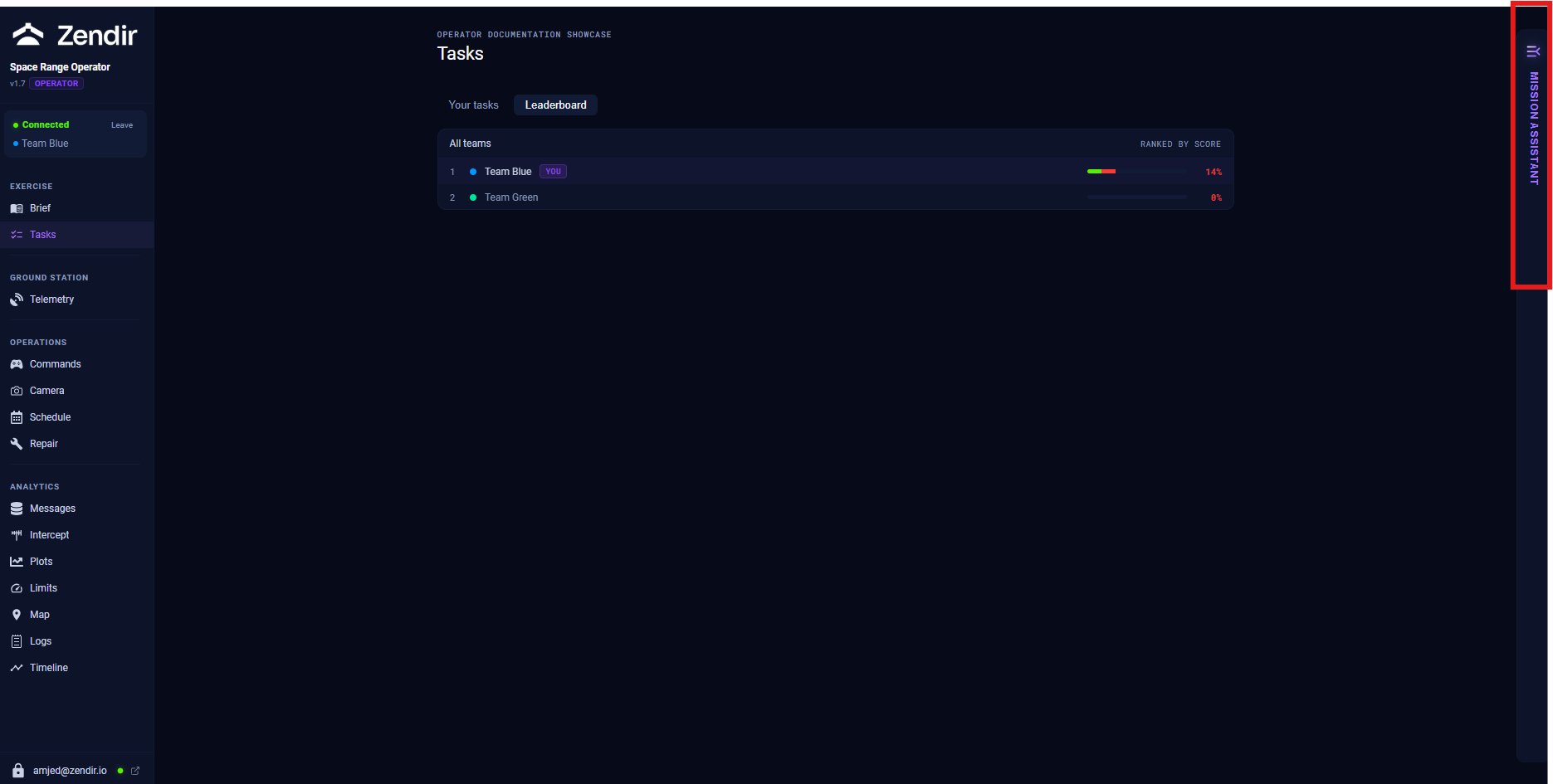
Mission Assistant is a helper. It does not replace reading the brief or verifying commands against your telemetry.