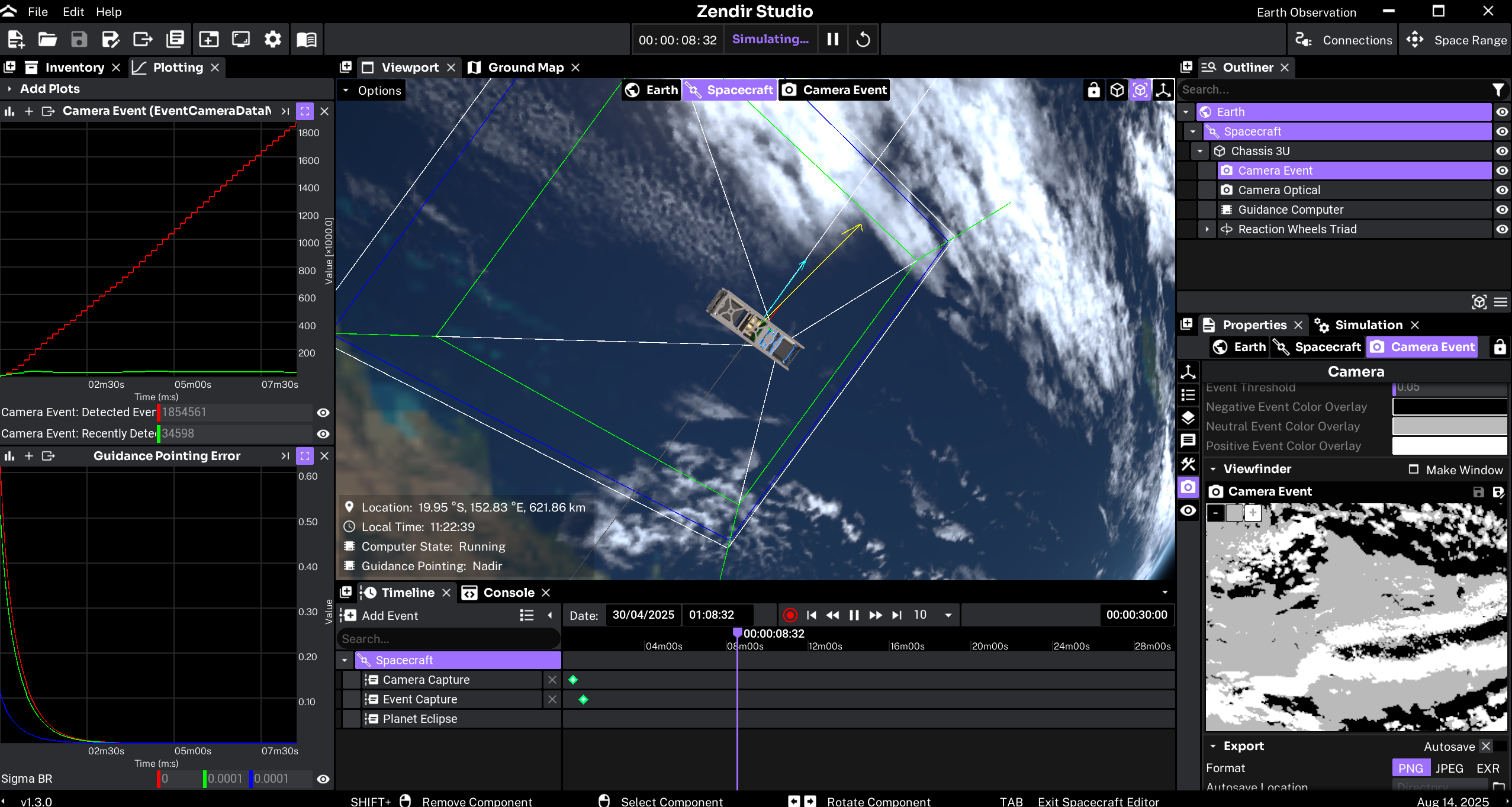
Zendir Studio is the visual product for spacecraft and mission design. You assemble spacecraft from a library of physics-based components, place them in orbit, and run the same simulation engine used by the API. You do not need specialist simulation software or a coding workflow. Domain knowledge of spacecraft systems and orbits is enough.
Work happens in a 3D workspace. Add spacecraft and hardware from the Inventory, inspect them in the Outliner and Properties, and watch the scenario in the Viewport. Play, pause, and reset from the toolbar or timeline. Save the project to your library, export it as a .zen file, or hand a validated design to operators as a Space Range exercise with goals, tasks, and injected anomalies.
A design built in Studio can also be exported for automated API runs. Start with an example from the Home Screen Library, then use the tutorials and guides below.