
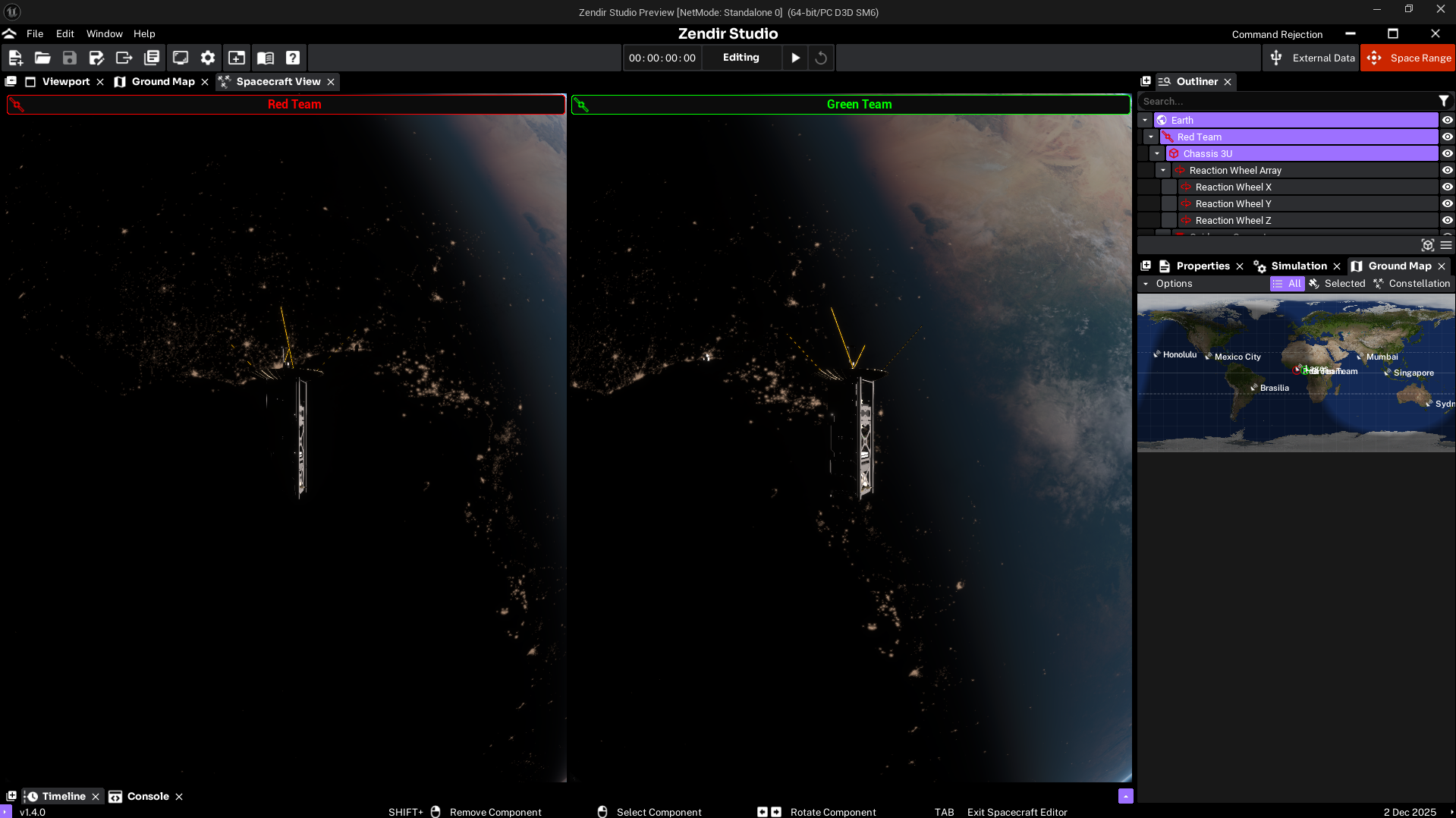
Space Range turns Studio into a live training range. Facilitators host multi-team spacecraft exercises; operators join from a browser and fly their spacecraft against shared mission objectives.
Operators open the free web tool from dashboard.zendir.io (sign in, then choose Operator), or go straight to operator.zendir.io. Facilitators load a scenario in Studio, connect it to the range, and start the simulation when teams are ready.
Who are you?
Pick the path that matches your role.
Operators
You are joining an exercise someone else is hosting. Start with Operator Training, then:
Facilitators (hosts)
You load the scenario in Studio and keep the session running. Start with:
- Hosting a Space Range
- Import and connect a scenario
- Configure the server and teams
- Run and monitor the session
Scenario authors
You change the simulation itself, including spacecraft, components, orbits, and asset collections. See Scenario Authoring.