
The brief explains what participants are doing without exposing facilitator answers or hidden event details.
Opening the brief editor
Open Brief in the Space Range window. Write the brief directly or load a Markdown file.
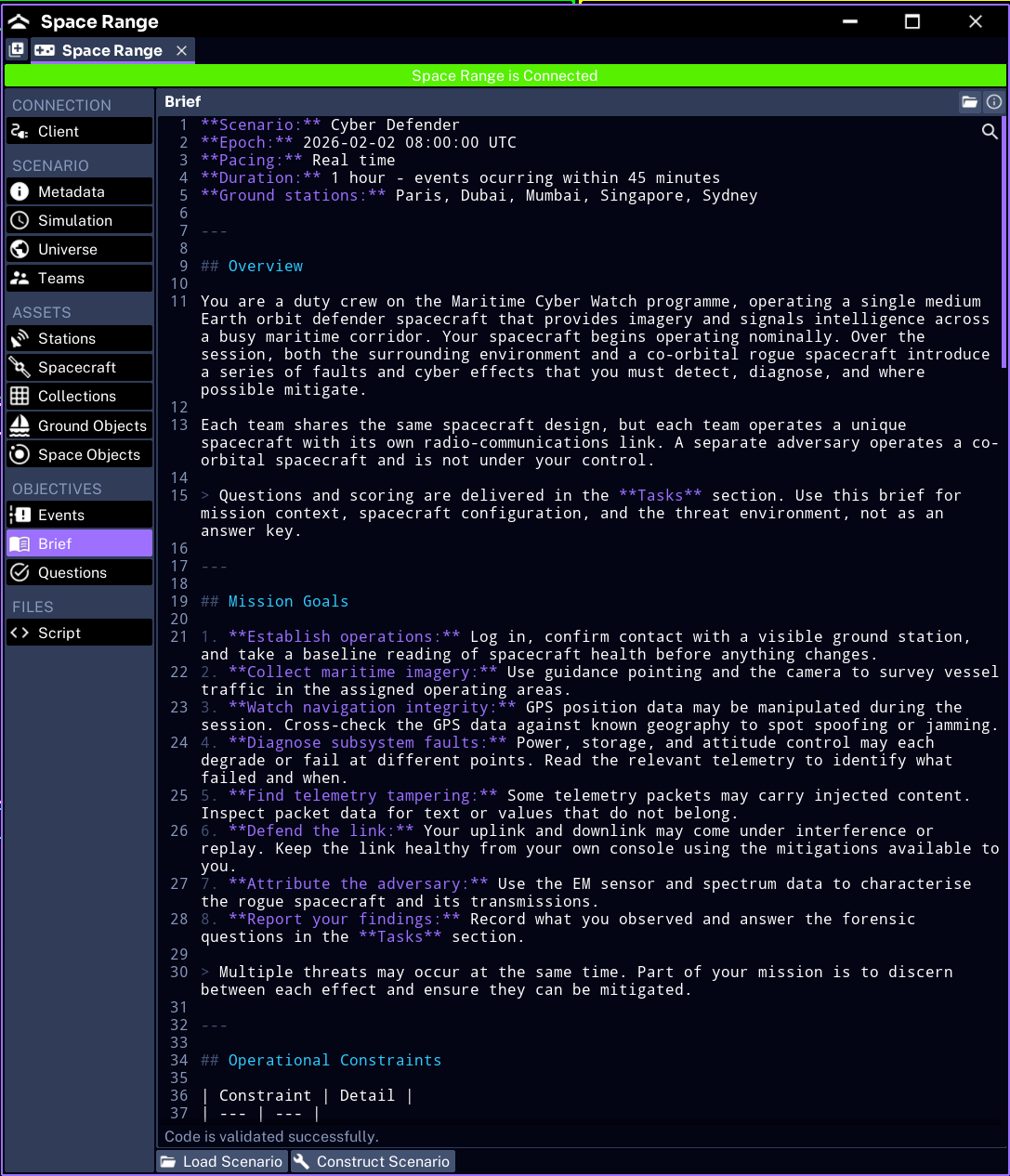
For Pathfinder Checkout:
# Pathfinder Checkout

Establish contact with Pathfinder and confirm that its basic systems are operating.

## Objectives

1. Identify the spacecraft's configured orbit.
2. Monitor the communications subsystem.
3. Report the component affected by an anomaly.

## Constraints

- Use only the spacecraft assigned to your team.
- Record the evidence used for each answer.
- Complete the checkout before the simulation ends.
Structuring a useful brief
A participant brief should include:
- mission context
- clear objectives
- constraints and safety rules
- expected evidence or deliverables
- completion conditions
Link task instructions to controls participants can actually reach in Operator. If a procedure is long, put it in the brief and use a question to collect the result.
Protecting facilitator information
Do not include:
- correct answers
- event target components
- fault trigger times unless participants are meant to know them
- other teams’ passwords
- the admin password
- recovery instructions intended only for facilitators
Keep those details in a private run sheet delivered with the scenario.
Checking the participant view
After the first construction test:
- connect with a temporary session name
- join as Blue Team
- open Brief in Operator
- check headings, lists, and links
- confirm no private information is present
The facilitator can make final one-off changes using Prepare the Brief and Questions, but the author should deliver a usable default.
Next, review the scenario JSON.