
Open Repair under Operations when something onboard has failed, or when you need to retune the ground-side radio settings for your team.
This page is for operators. It is not the facilitator admin console. You still use your team access. You cannot control another team from here.
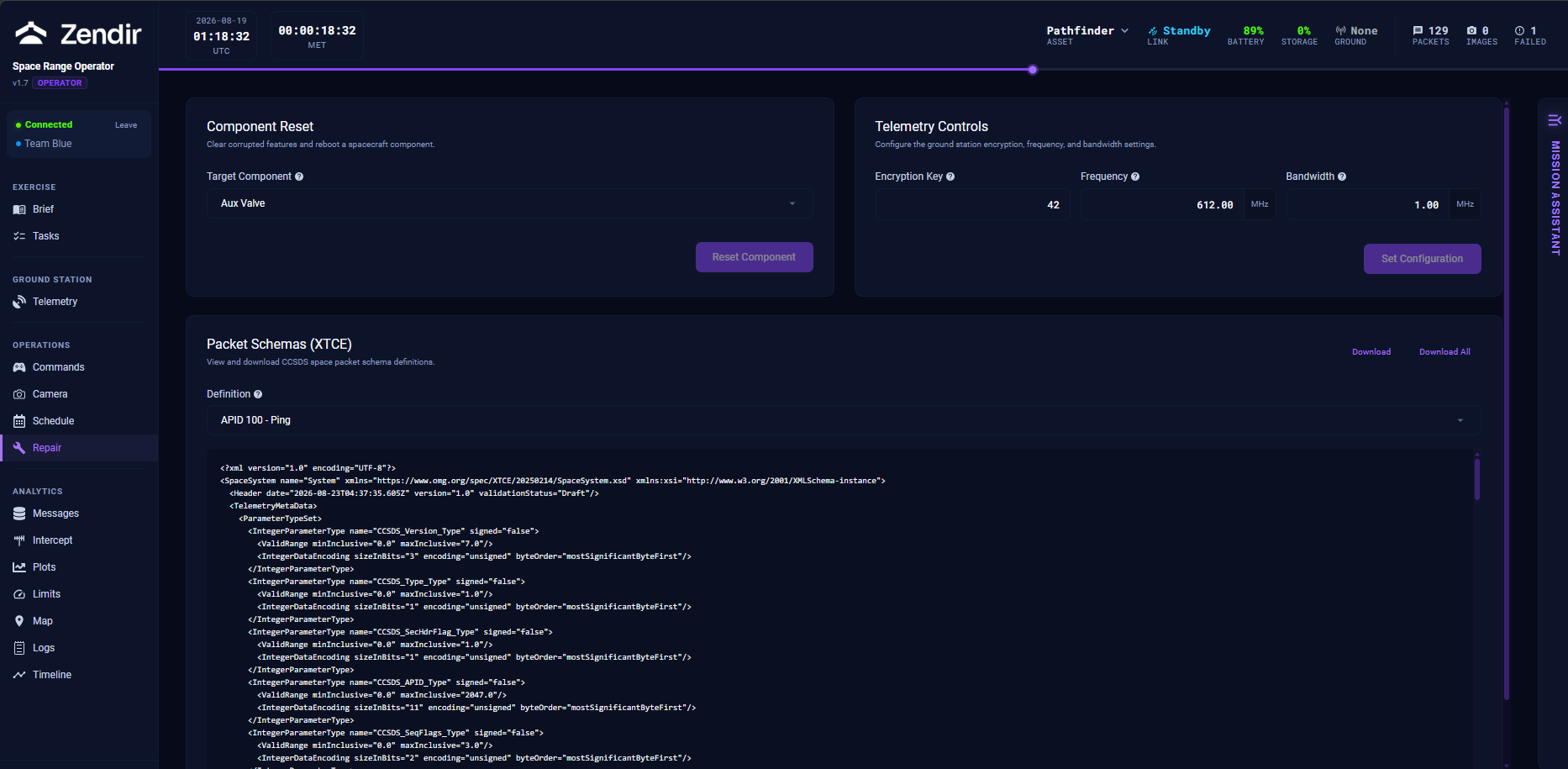
Component Reset
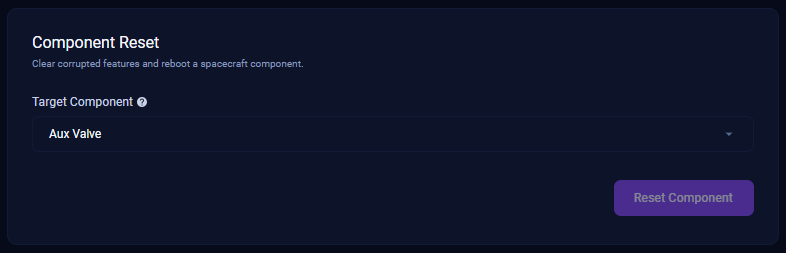
During an exercise, scripted events or opposing activity can put a component into a bad state. Component Reset restarts a chosen subsystem.
- Open the target component list.
- Select the component you believe is failing.
- Click Reset Component and confirm.
WARNING
A reset can take the spacecraft offline for roughly 1 to 5 minutes of simulation time while the computer restarts. Make sure you have identified the right component before you confirm.
If the wrong component is reset, you spend that downtime without fixing the real fault. Cross-check Messages, Plots, and the brief before you reset.
Telemetry Controls (frequency and encryption key)
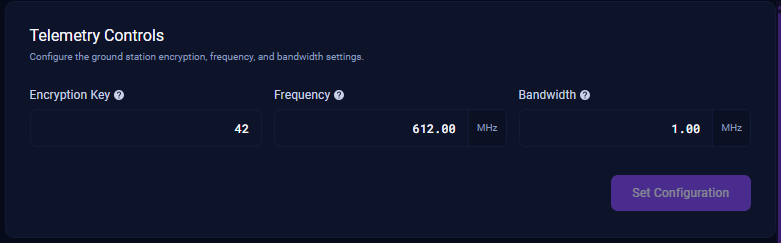
Your ground station must listen on the same frequency and encryption key the spacecraft is transmitting with. If those drift apart (because you rotated keys, or another team forced a change), pings stop arriving even though you are still “connected” to the exercise.
On Telemetry Controls (also available under the Telemetry sidebar item):
- Enter the Encryption Key
- Enter the Frequency (MHz)
- Adjust Bandwidth if your facilitator told you to
- Click Set Configuration
WARNING
Changing radio settings mid-pass can interrupt the link until the next successful handshake. Prefer to change settings while you understand why the current pair is wrong. Compare the values in a recent ping against what the ground side is set to.
The same controls live under Ground Station → Telemetry, next to the uplink/downlink budget tables. Use whichever page you already have open.
Packet Schemas
Packet Schemas (XTCE) lets you view or download the telemetry definitions used to decode Space Packets. Most operators never need this during a live exercise. It is here for inspection and offline analysis.
When to use Repair vs Commands
| Situation | Go to |
|---|---|
| Point, jam, thrust, dock, downlink | Controlling the Spacecraft |
| Capture imagery | Capturing Images |
| Component is faulted / unresponsive after an event | Repair → Reset |
| Suddenly no pings after a key/frequency change | Repair or Telemetry → Set Configuration |
| Need help interpreting a panel | Mission Assistant chat, then Troubleshooting |